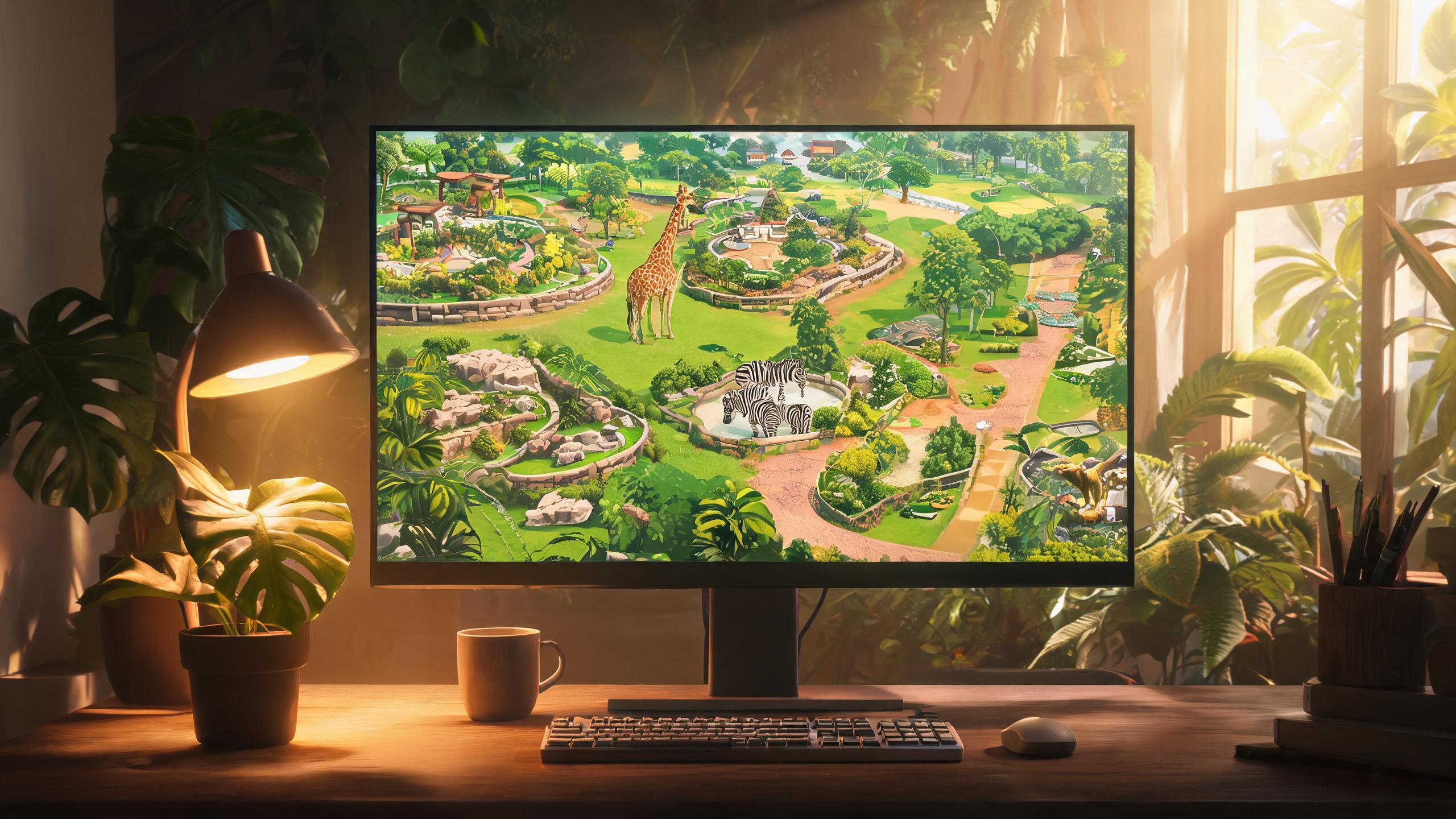
Data as of 20 October 2026. Store facts come from the official Steam listing and Frontier's buy page; Steam Deck status from Frontier's September announcement and launch-week compatibility checks.
Steam is where most PC zookeepers will play Planet Zoo 2. The 13 October 2026 launch went live at 3PM BST sharp, the store page carries the full feature set from Steam Deck verification to seventeen languages, and both the Standard and Deluxe editions are available at Frontier's global pricing. This guide walks through everything the Steam version offers — and the one or two things, like Denuvo, worth knowing before you buy.
Planet Zoo 2 on Steam: The Launch Facts
Frontier announced the timing in a news post titled "Release Timing!" on 9 October: the game would launch at 3PM BST on 13 October. That moment arrived on schedule, putting Steam's unlock in line with the PlayStation Store's 10 AM ET switch-on. Pre-orders had been open all along, each carrying the Bonus Content Pack — a toucan eatery sign, three animal donation boxes and a tiger photo standee.
Pricing follows Frontier's global SRP. The Standard Edition sits at $49.99 and the Deluxe Edition at $64.99, with regional currencies set accordingly — Steam's China region, for instance, lists the two at ¥200 and ¥260. The Deluxe Upgrade Pack can also be bought separately later, so a Standard purchase does not lock you out. Full edition comparisons live in our price and where-to-buy guide.
The store feature list confirms what PC players expect: Steam achievements, Steam Cloud saves, HDR support, family sharing and a save-anytime system. Accessibility options on the listing number nine, including adjustable text size, colour alternatives, camera comfort settings and separate volume controls — a carry-over of the options Frontier detailed before launch.
Steam Deck: Verified and What That Means
Planet Zoo 2 earned its Steam Deck Verified badge on 14 September 2026, roughly a month before launch, and the rating held through release day. Verified is Valve's top tier: the game is fully playable on the handheld with legible default text, usable controls and no blocking issues.
The compatibility report carries one practical note — first-time setup requires an active internet connection. After that, the game plays offline, with a connection only needed for the genuinely online parts: downloading community blueprints from the Frontier Workshop and sharing parks with other players. For a management sim built around long building sessions, that makes the Deck a surprisingly natural home for zoo-building on the sofa.
A handheld certification naturally raises performance questions, and here the honest answer is that specific Steam Deck frame-rate figures have not been independently verified. What is established is Frontier's own performance framing: the minimum PC spec targets above 30FPS on medium settings, and the simulation leans on the processor as zoos grow. Deck owners should expect a playable experience rather than a locked high frame rate, with the full system requirements covering the desktop side.
Denuvo on the PC Release
The Steam listing states it directly: the game includes third-party DRM, Denuvo Anti-tamper. For players, Denuvo means the executable is protected against tampering and piracy.
The practical notes are the usual ones. Denuvo requires online activation, which folds into the first-time-setup internet requirement, and it does not affect where saves live or how the game plays once running. If DRM-free ownership is a dealbreaker for you, no storefront currently offers the game without it — the same is true of the Epic Games Store version.
Controllers, Keyboard and Mouse
Steam's listing advertises full controller support across three families: Xbox controllers, and DualShock and DualSense pads over USB. Keyboard and mouse, the traditional input for this genre, work as the default of course. Frontier's FAQ frames the choice as yours — either input style suits the game.
That input flexibility pairs well with the Deck and living-room setups. A zoo management sim lives in its menus, and being able to run the full building toolkit from a gamepad — the same control scheme that ships on PS5 and Xbox Series X|S — is what makes couch play viable at all.
Languages: 17 Supported, 10 With Full Audio
The Steam language table is one of the more complete listings in the genre. Seventeen languages cover the interface, with ten of those carrying full audio and subtitles: English, French, Italian, German, Spanish (Spain), Spanish (Latin America), Japanese, Korean, Portuguese (Brazil) and Simplified Chinese. Seven more — Czech, Danish, Dutch, Polish, Russian, Thai and Traditional Chinese — are text-only.
| Language type | Languages |
|---|---|
| Full audio + subtitles | English, French, Italian, German, Spanish (Spain), Spanish (Latin America), Japanese, Korean, Portuguese (Brazil), Simplified Chinese |
| Interface + subtitles only | Czech, Danish, Dutch, Polish, Russian, Thai, Traditional Chinese |
One quirk worth knowing: Frontier's own help page groups Polish and Traditional Chinese slightly differently than the storefronts do. At launch, both the Steam and Xbox store listings place those two languages in the text-only column, so the store table above is the authoritative one for buyers.
Steam vs the Epic Games Store
Planet Zoo 2 is not a Steam exclusive — the PC version launched on the Epic Games Store the same day, at the same $49.99 / $64.99 pricing with the same two editions. Game8's storefront roundup lists all four launch stores side by side, and Frontier's own buy page links out to Steam, Epic, PlayStation and Xbox directly.
The differences between the two PC stores come down to ecosystem rather than content. Steam brings achievements, cloud saves, the family-sharing program, the richer workshop-adjacent community features and Steam Deck verification out of the box. Epic's version runs the same game with the same Denuvo protection but without those Steam platform layers. Functionally, your zoo will be identical either way — the choice is about which launcher you want to live in.
Before You Buy: The Quick Checklist
Three things to tick off before hitting purchase. First, check your machine against the official specs — the minimum targets above 30FPS on medium settings and the recommended targets 30FPS on high, both framed around a built-up zoo rather than an empty plot. Second, decide between editions early: the Deluxe Edition's six exclusive animals are the main draw, and the upgrade pack can wait if budget is tight. Third, if you were eyeing a subscription instead — the game is not on any Game Pass tier, so PC buyers are purchasing outright. The full decision guide sits in our review roundup.